
Librai: Building an AI Reading App in 2 Weeks
I wanted to build the reading app I always wished existed — one that combines serious reading tools with AI that actually helps you understand what you're reading. Two weeks later, Librai was on the App Store.
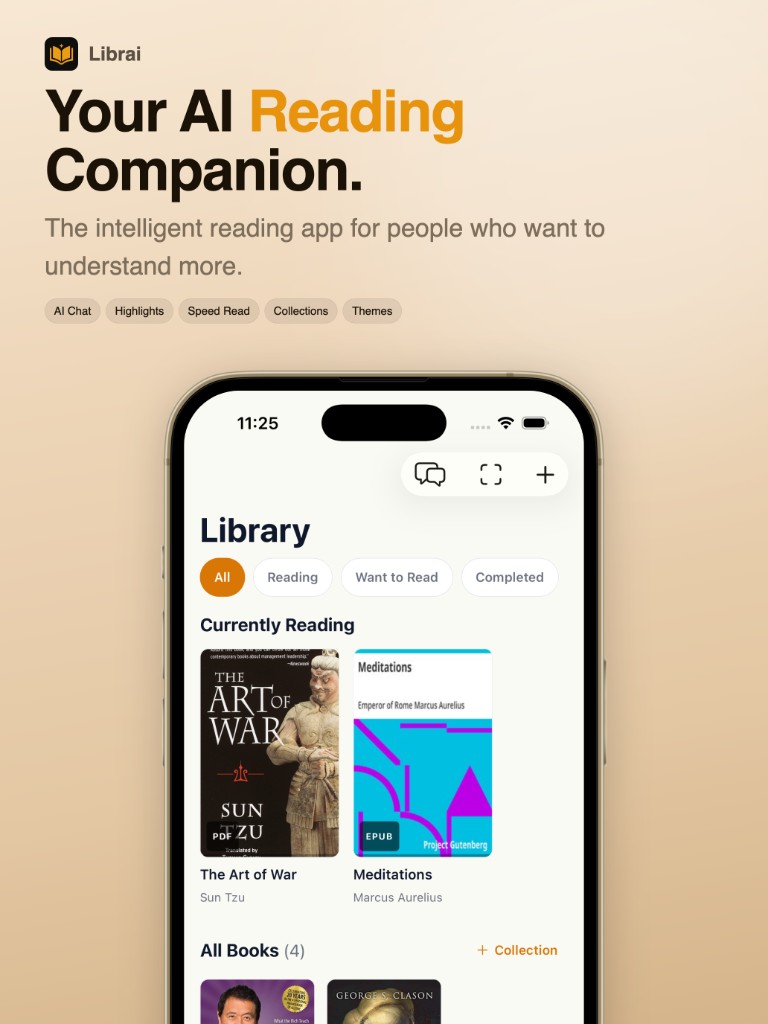
This isn't a story about cutting corners. It's about what becomes possible when you use AI not just as a feature in your app, but as a co-pilot during development itself.
The Problem
Most reading apps fall into two camps: beautiful but dumb (Apple Books), or powerful but ugly (KOReader). I wanted something that could handle EPUB, PDF, MOBI, CBZ, FB2, and AZW formats, look great on iOS, and use AI where it actually matters — not as a gimmick.
What I Built
AI-Powered Reading Assistant
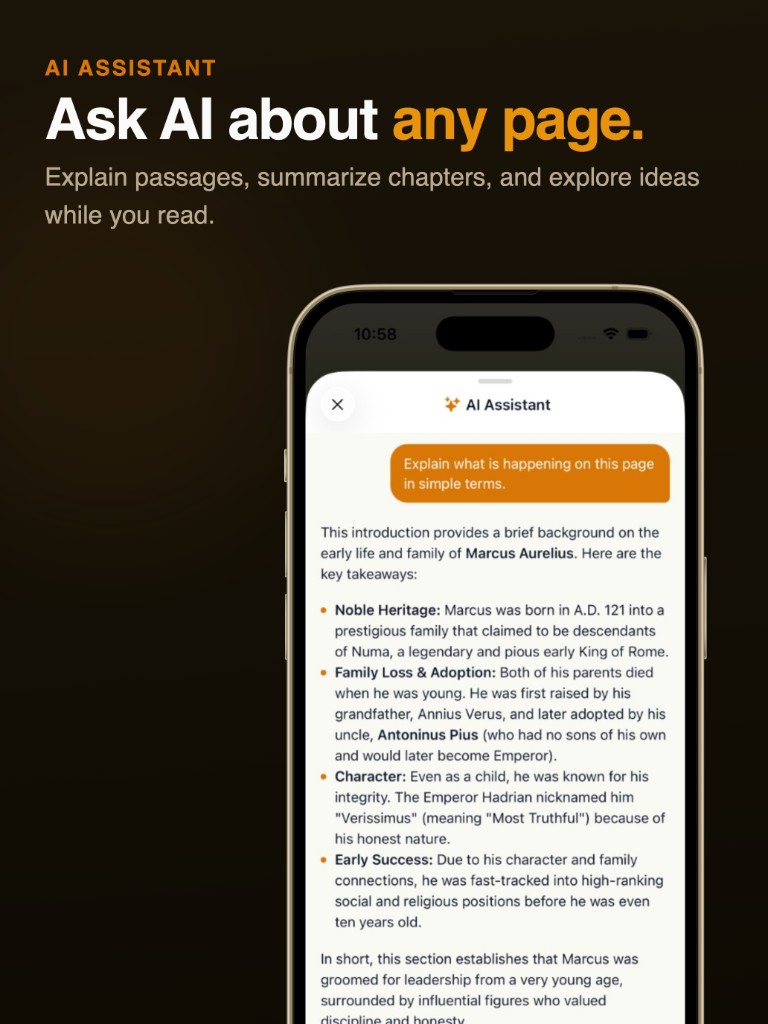
The core AI feature: a contextual assistant that knows what page you're on. Ask it to explain a passage, summarize a chapter, or pull out key ideas. It uses the current page content as context, so responses are always relevant. Powered by streaming responses so you see answers appear in real-time.
For complex PDF pages with tables, nested lists, or multi-column layouts, Librai uses Gemini Flash to parse the visual structure and render it correctly — something traditional PDF text extraction completely fails at.
Learning Paths
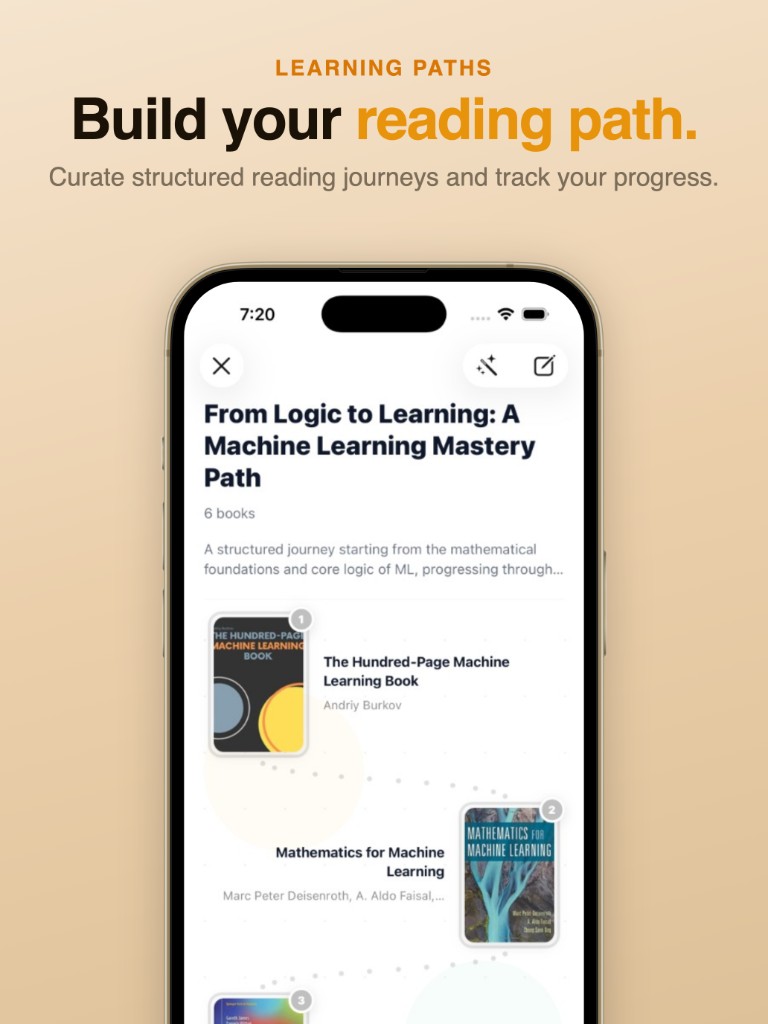
AI-generated reading journeys. Tell Librai a topic you want to learn, and it builds a structured path of books in the right order. You can reorder, add, remove books, or ask AI to rebuild the path entirely. Great for self-directed learning.
Speed Reading
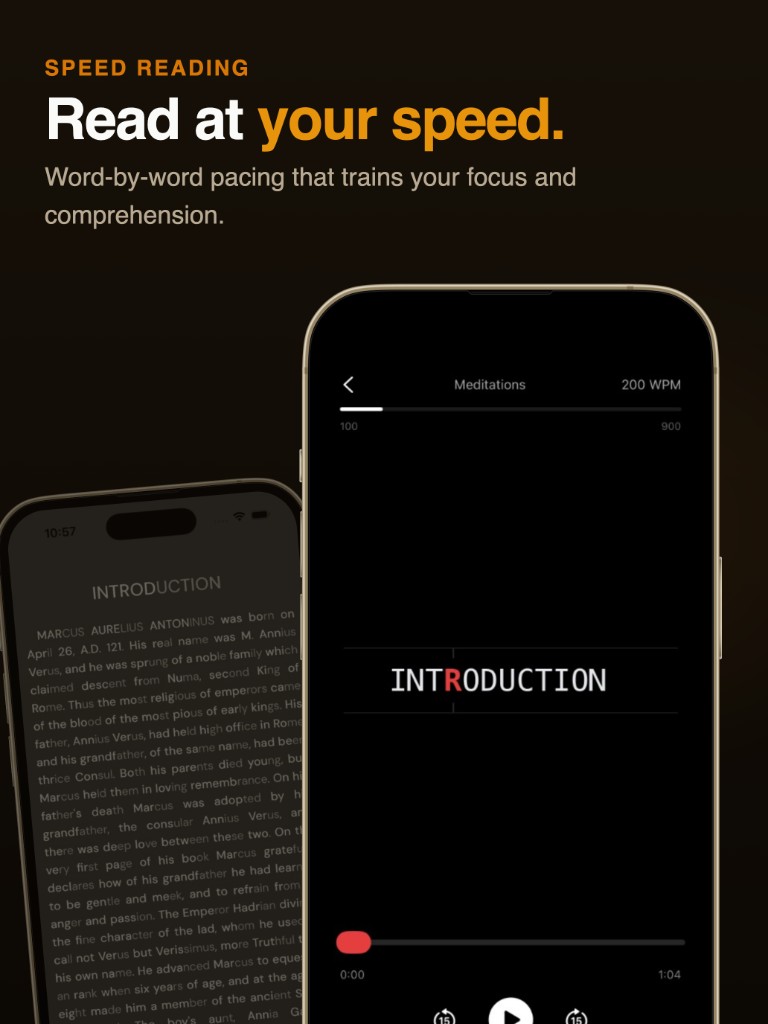
Two modes: RSVP (rapid serial visual presentation) with adjustable WPM from 100–900, and Bionic Reading which bolds the first half of each word to guide your eyes faster. Both work across all book formats.
Deep Customization
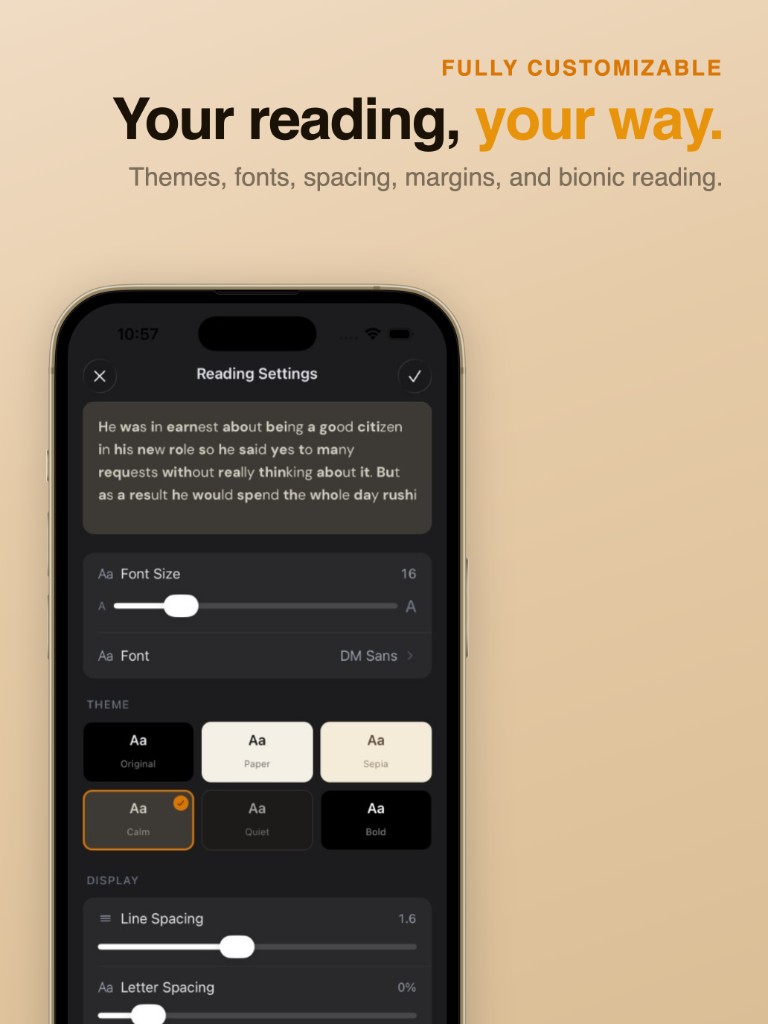
Six themes (Original, Paper, Sepia, Calm, Quiet, Bold), adjustable fonts, font size, line spacing, letter spacing, margins — everything a serious reader needs. Settings persist per-session and sync across devices via iCloud.
Book Scanner
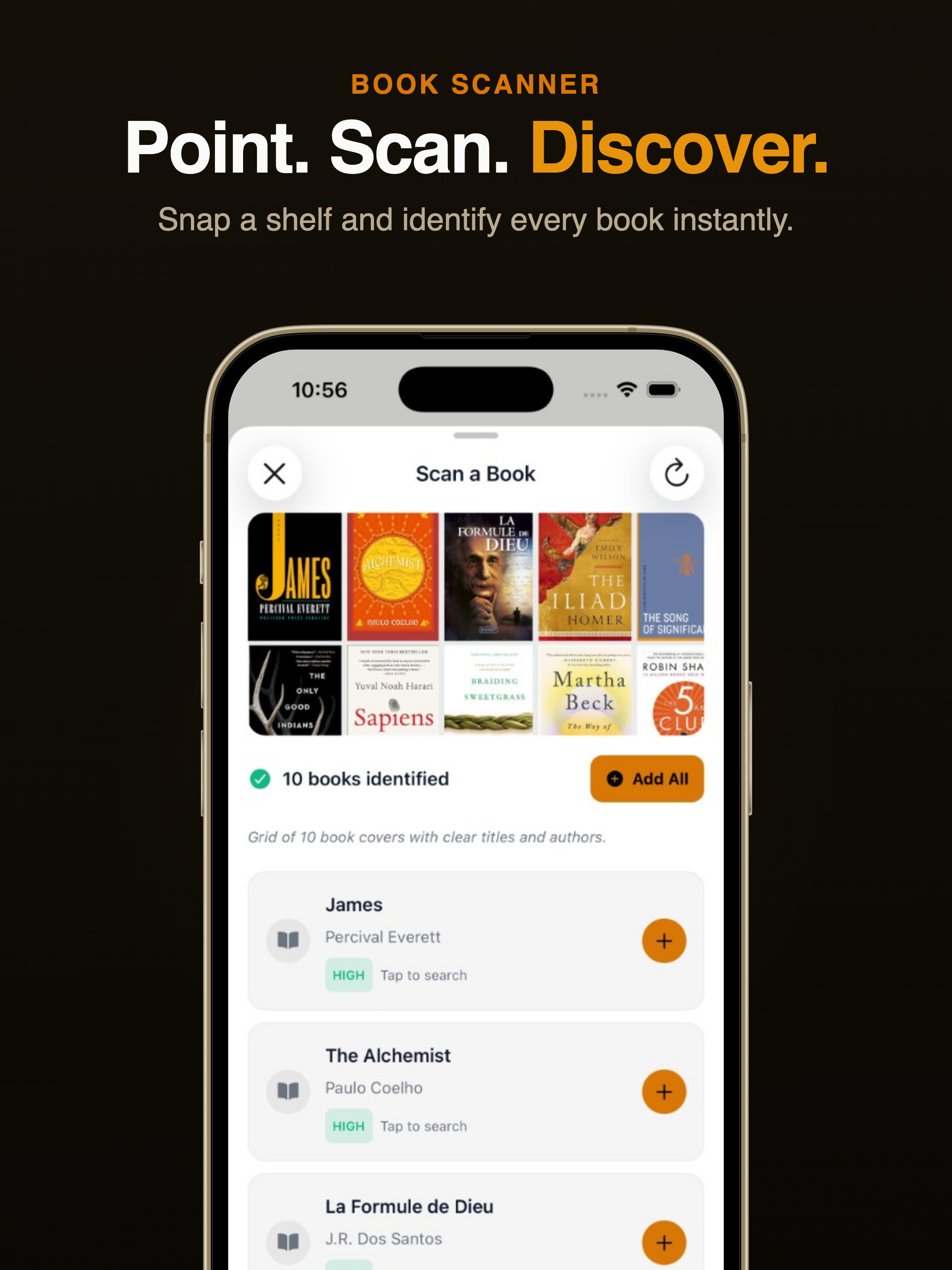
Point your camera at a bookshelf and Librai identifies every book using AI vision. It recognizes titles and authors from the spines, then lets you add them to your library with one tap. Useful for quickly digitizing your physical collection.
The Architecture
Built with Expo Router and React Native, running a local-first SQLite database. The app works entirely offline — AI features are the only thing that needs internet. Key architectural decisions:
- Local-first: All data lives on-device in SQLite. No account required to use the app.
- iCloud Sync: Optional CloudKit integration syncs books, highlights, notes, and reading progress across devices. Built as a native Swift module with smart conflict resolution — if you highlight the same passage on two devices, it keeps both.
- Server: NestJS backend handles AI endpoints, book search, and subscription management. AI calls go through OpenRouter for model flexibility.
- Pro model: RevenueCat handles subscriptions. Free users get PDF-only imports and limited AI. Pro unlocks all formats and unlimited usage.
The AI Development Story
Here's the real insight: I used AI-assisted coding (Cursor) for about 70% of the implementation. The native Swift modules (iCloud sync, epub rendering, highlight menu) still required manual work, but the React Native UI, database layer, API routes, and styling were dramatically faster with AI.
Two weeks is tight. Here's roughly how it broke down:
- Days 1–3: Core reader (EPUB + PDF rendering, page navigation, progress tracking)
- Days 4–5: Library management, file imports, book formats
- Days 6–7: AI chat integration, streaming responses, context-aware prompts
- Days 8–9: Highlights, notes, reader settings, themes
- Days 10–11: Learning paths, collections, speed reading, book scanner
- Days 12–13: iCloud sync (the hardest part — CloudKit is not fun)
- Day 14: Polish, App Store assets, submission
Key Learnings
AI accelerates, but doesn't replace, architecture decisions. I still had to design the sync conflict resolution strategy, the database schema, and the module boundaries. AI helped me implement them 5x faster.
CloudKit is painful. The sync engine alone took two full days. Custom zones, change tokens, record mapping, asset handling for book files — it's powerful but the API is verbose and error-prone.
Local-first wins on mobile. Users don't want to wait for a server to open their book. Everything reads from local SQLite, and sync happens silently in the background.
Ship the MVP, then iterate. The first version didn't have book scanning or learning paths. Those came from watching how people actually used the app and adding what they asked for.
Try It
Librai is available on librai.app. It's free to start — import a PDF and see how it feels.
Building tools for people who read seriously.